



Kuinka vaihtaa näppäimistö suomenkielelle / Korjata "nonvc" konsolin väärä näppäinasettelu
- Start by connecting to the server.
- Execute the following commands next:
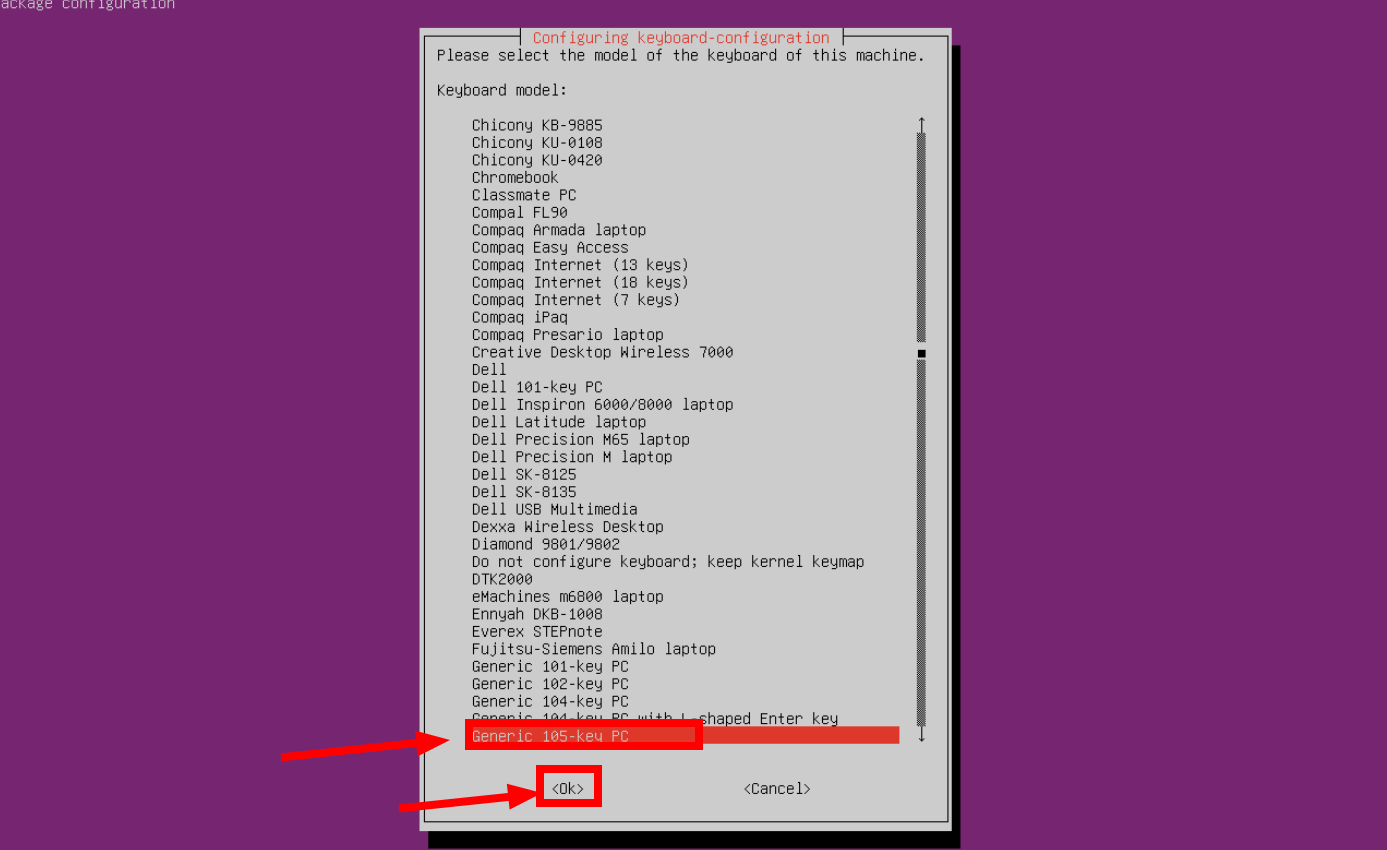
dpkg-reconfigure keyboard-configuration - Next, choose 'Generic 105-key PC' and click 'OK' to proceed..
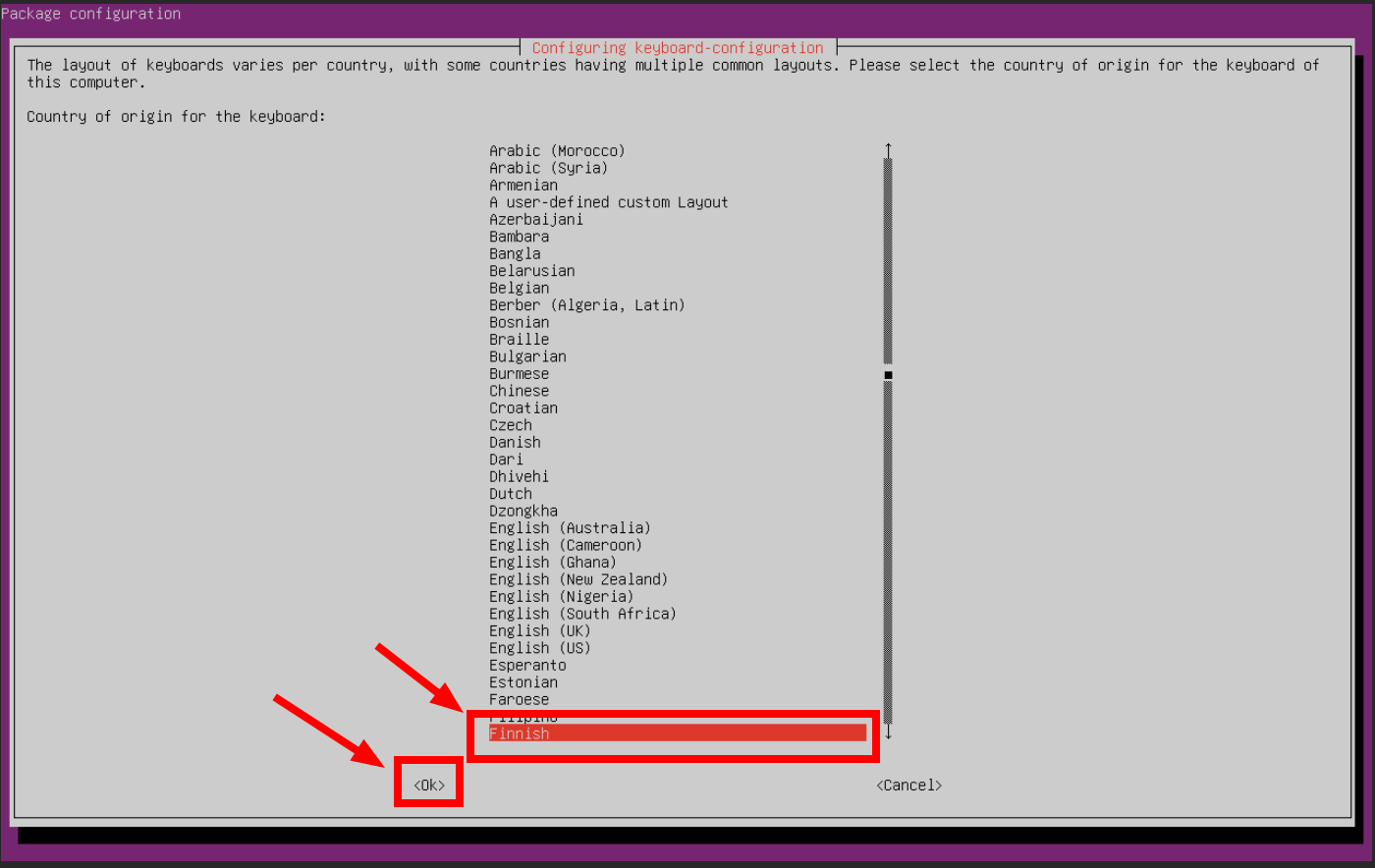
- Next, select the preferred language and click 'OK':
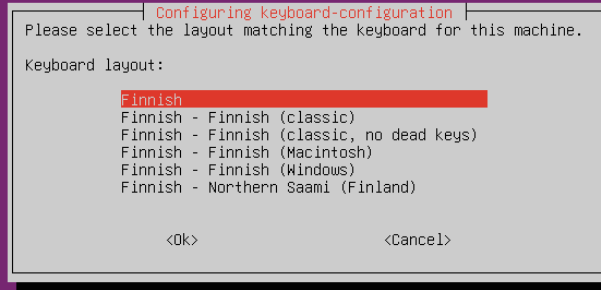
- Next, select your preferred language from the additional settings:
- Next, select the required configuration:
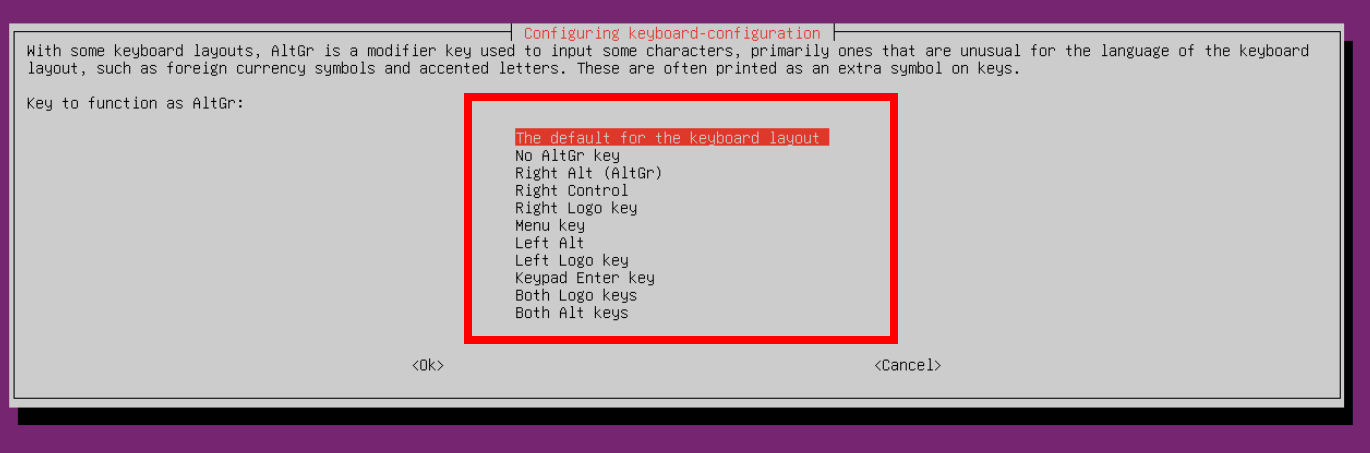
- Next, choose your preferred additional configuration:
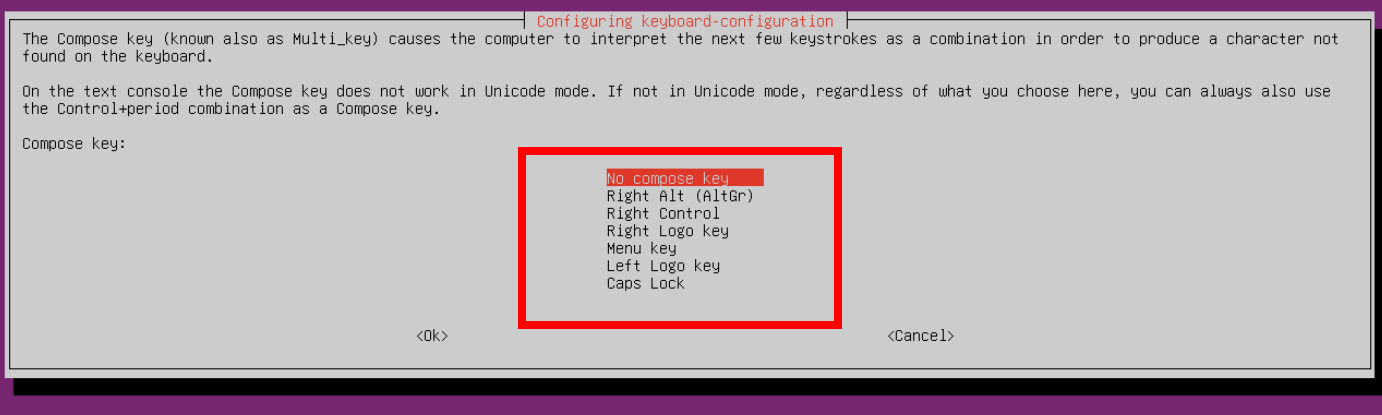
- You are now finished. You will see messages in the terminal confirming the updated keyboard layout:"

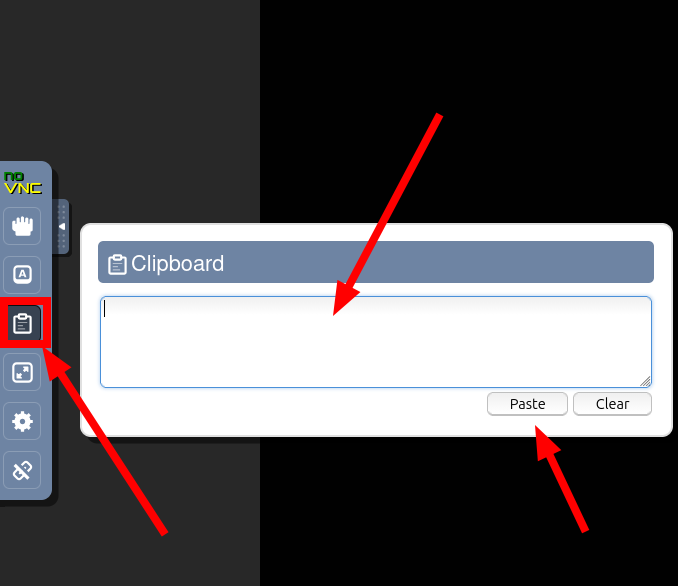
- Finally, reboot the server and you're done! You can now use the noVNC copy-paste feature as well. See the example image below:
---
If you have any questions or need further assistance, please submit a support ticket here and we will get back to you as soon as possible.