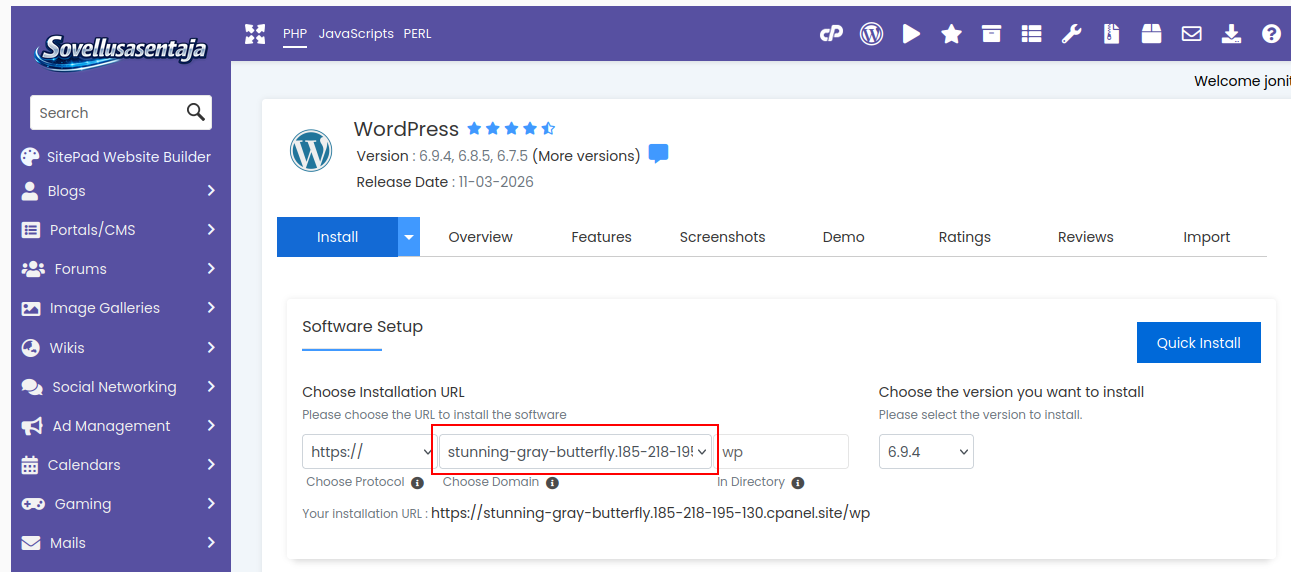



In this article, I will show you how to create a temporary domain using cPanel.
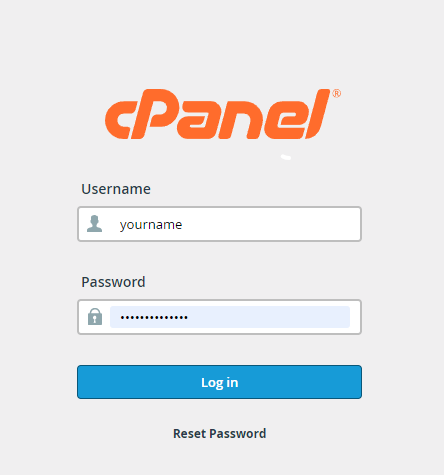
1. Log in to cPanel
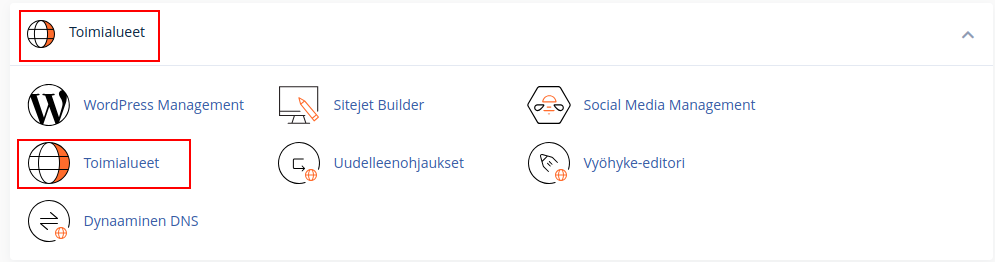
2. Locate the "Domains" section within the cPanel tools and click on "Domains".
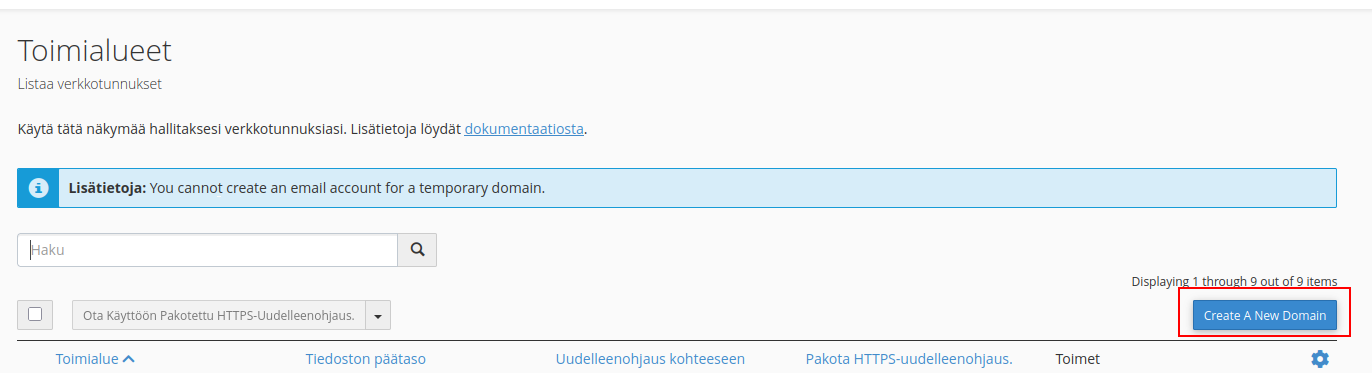
3. Select "Create A New Domain".
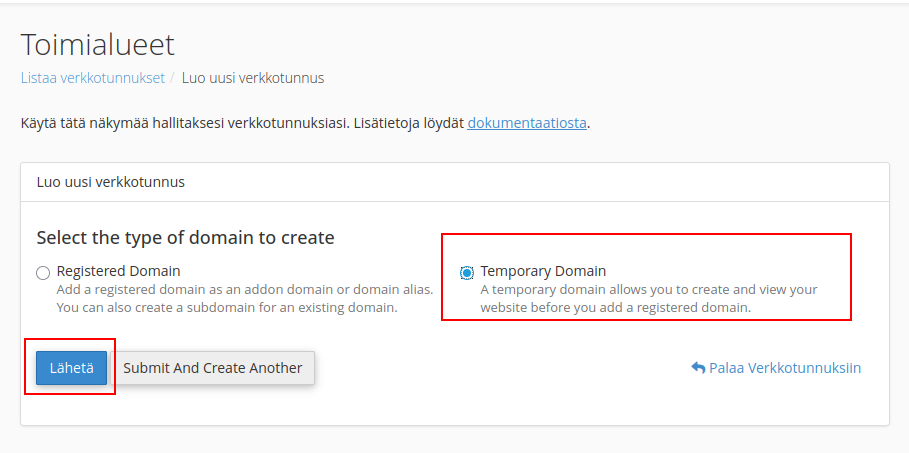
4. Choose "Temporary Domain" and click "Submit".
5. You can now, for example, perform a new WordPress installation using the temporary domain you just created.