



In this article, I will show you how to activate a new SSL certificate for your domain.
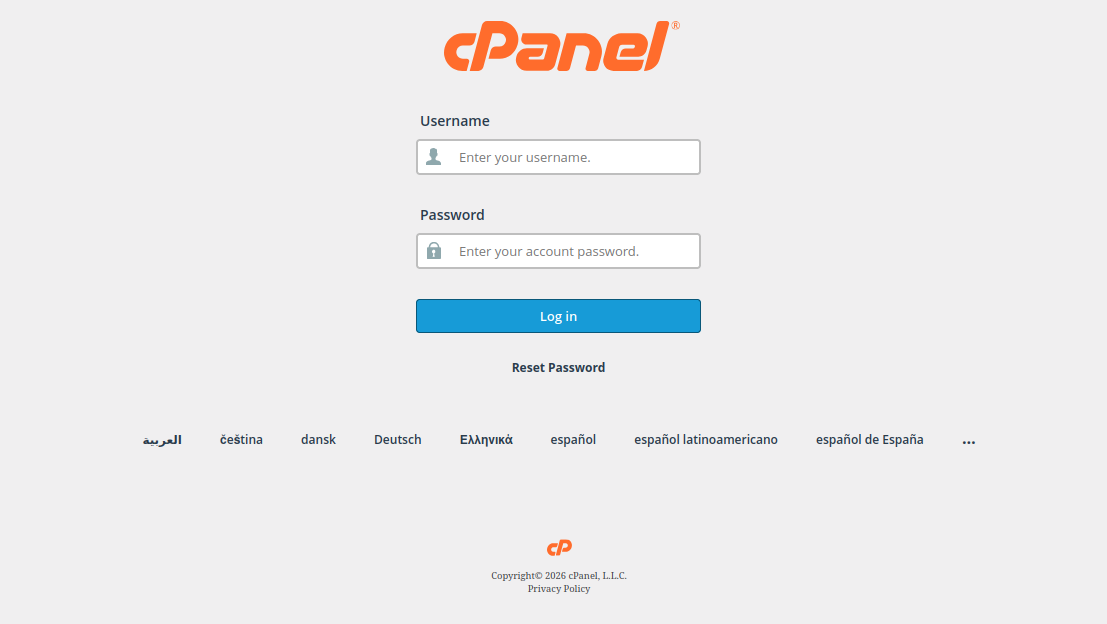
1. Log in to cPanel
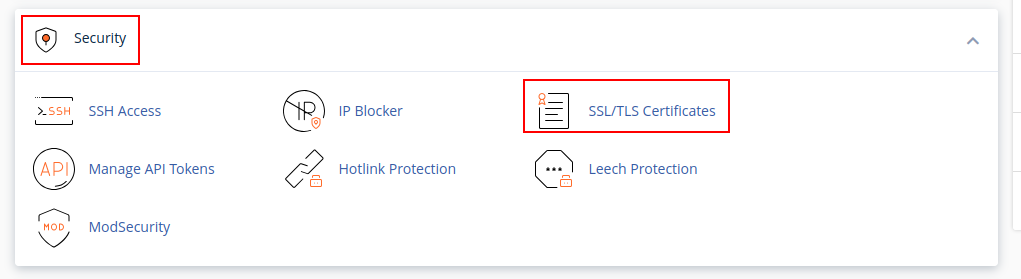
2. Navigate to the “Security” section and select “SSL/TLS Certificates”
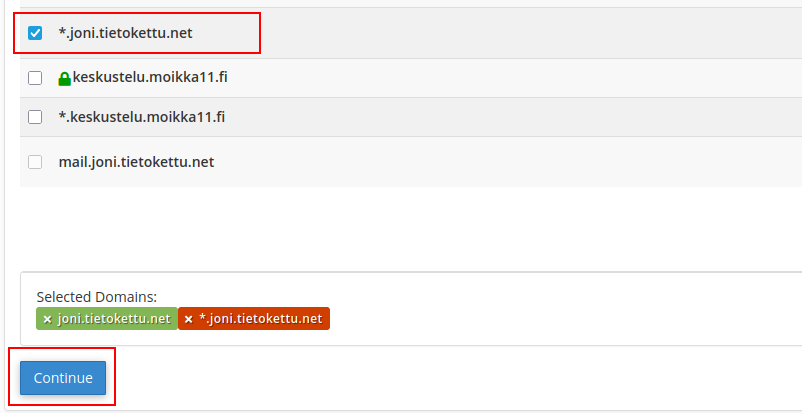
3. Choose your desired domain and click “Continue”
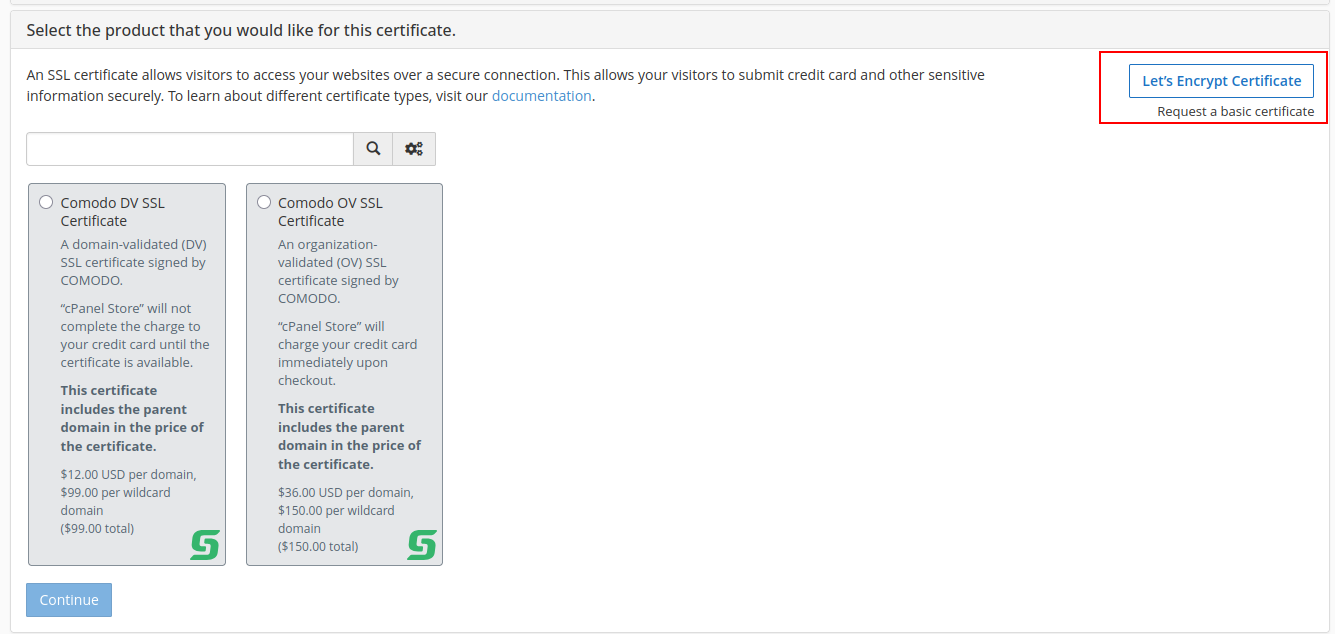
4. In the top right, select “Let’s Encrypt Certificate”
Your domain now has an SSL certificate enabled.