



How to activate two-factor authentication for cPanel?
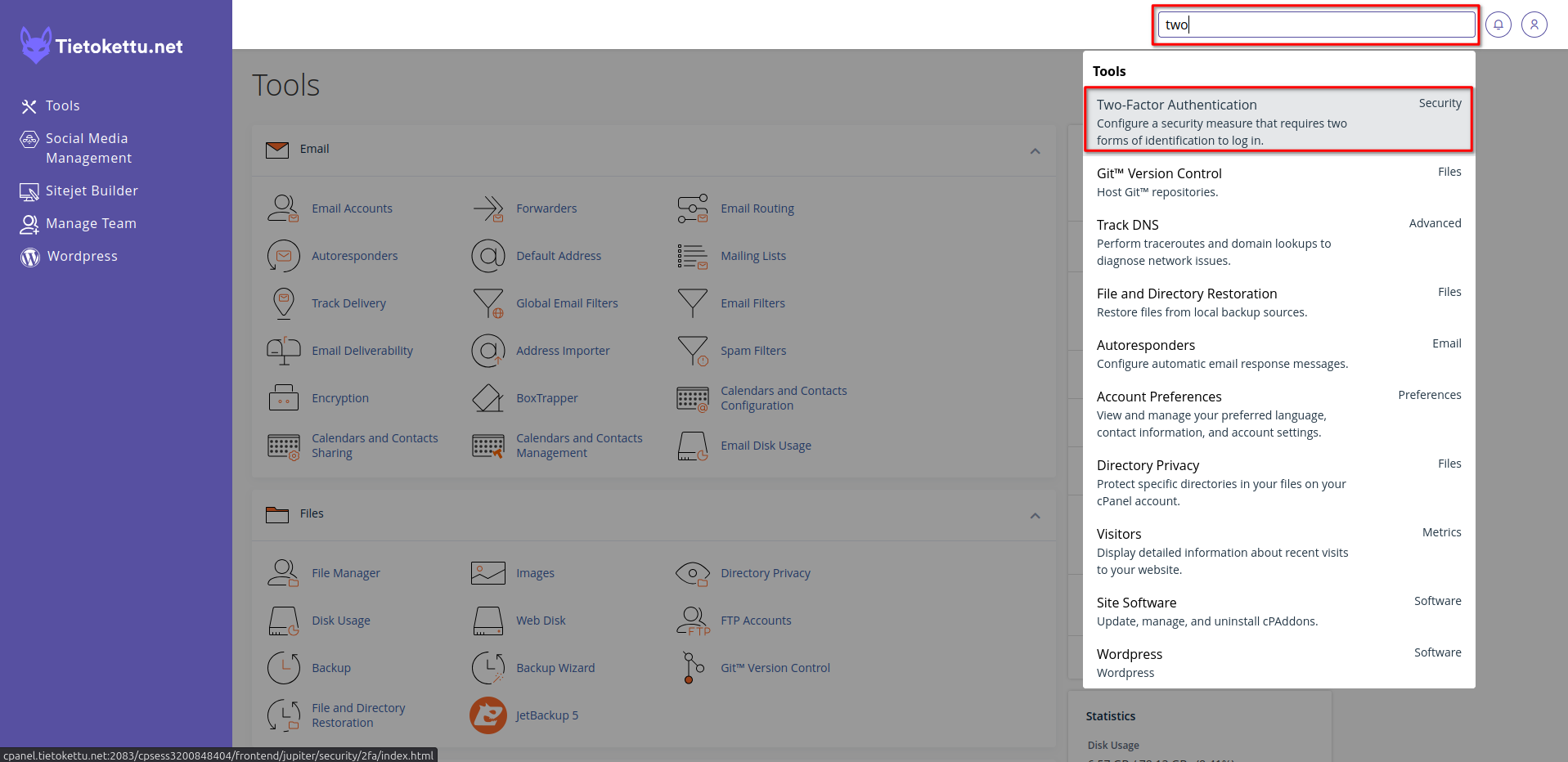
1. Type into the search bar top right 2FA or two-factor authentication and select it.
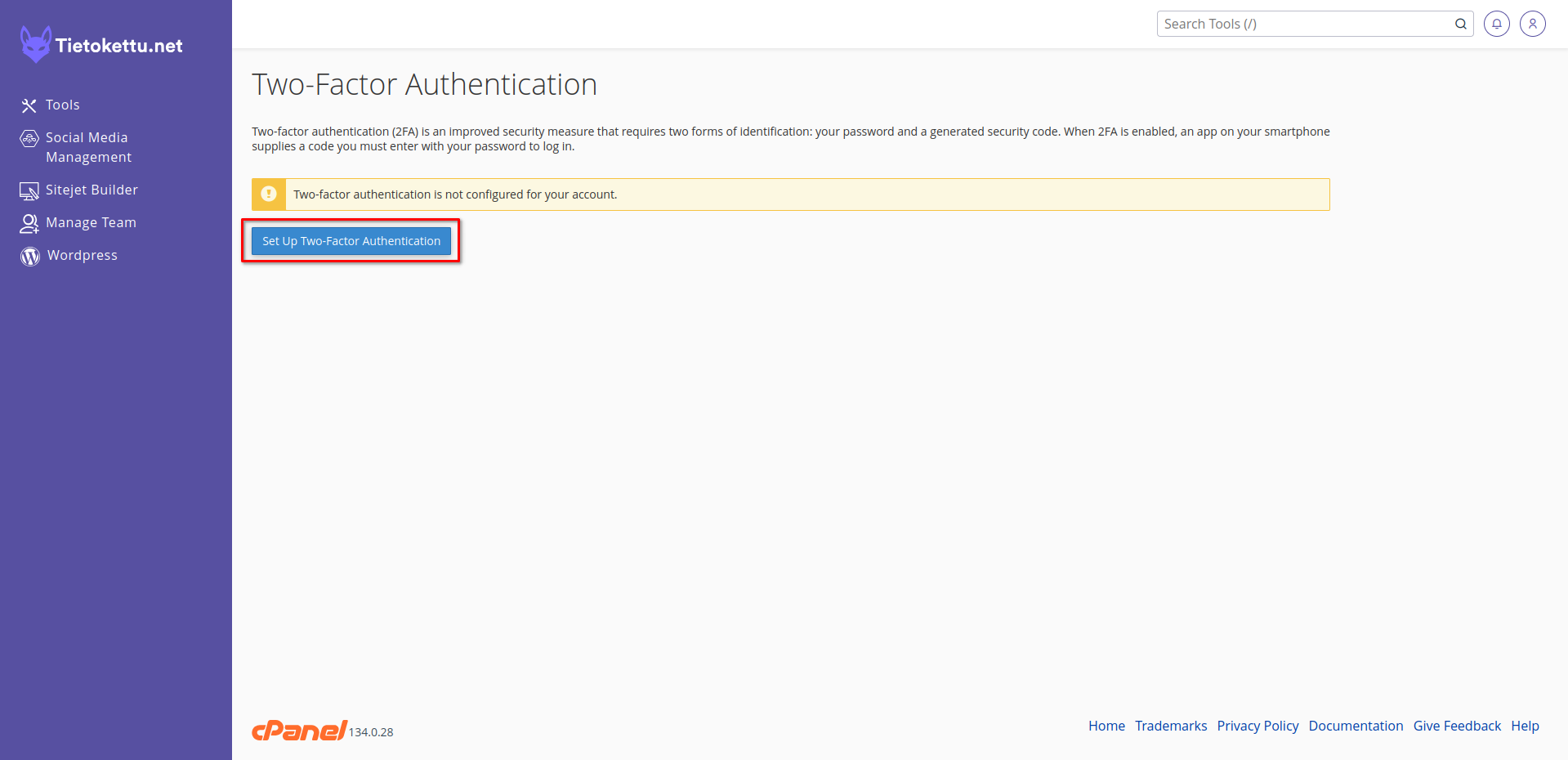
2. Lets setup the two-factor authentication.
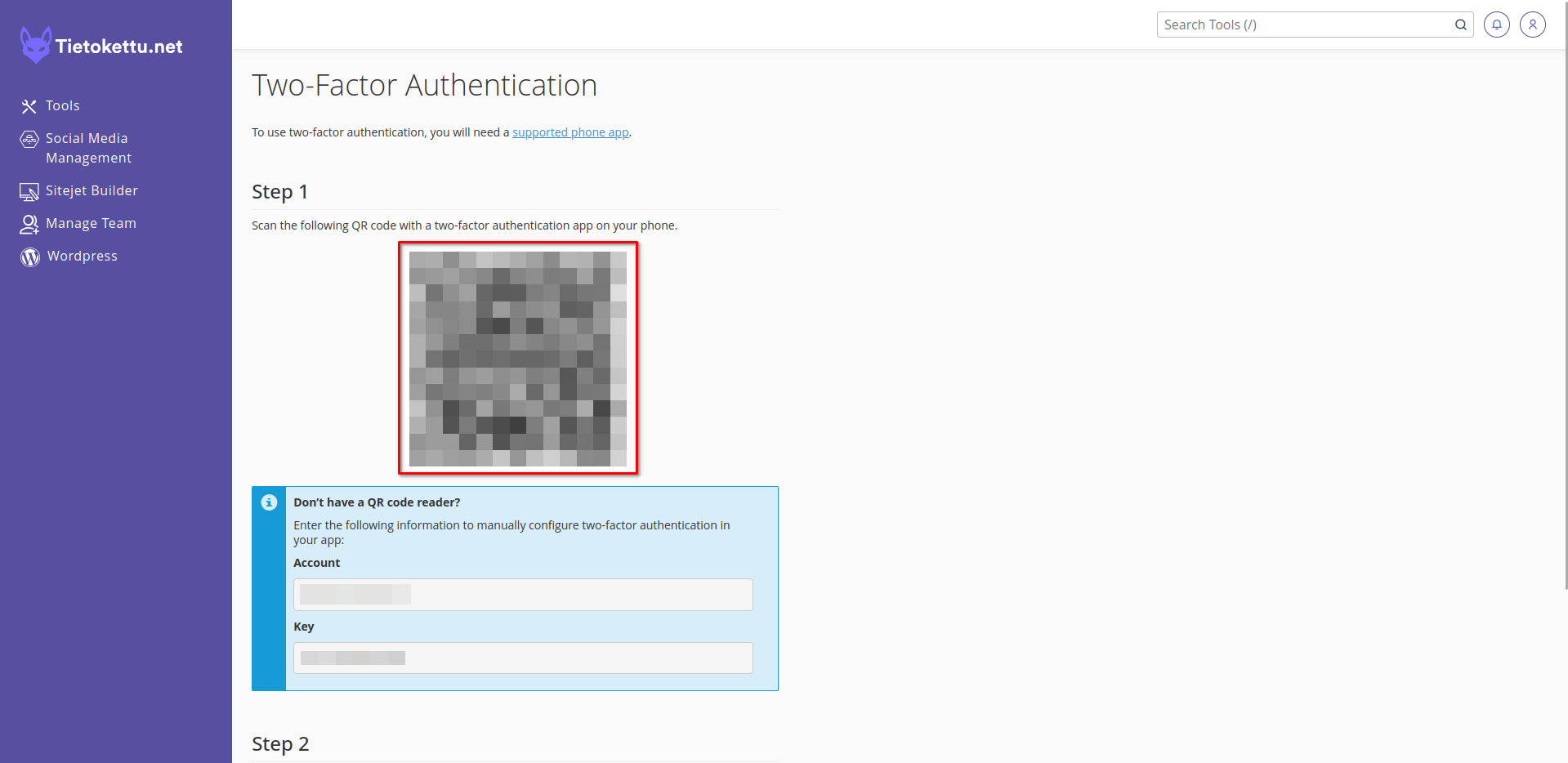
3. Next you will have to choose which application you wish to use for two-factor authentication. There are many options for this but here are some examples.
- Google Authenticator
- Microsoft Authenticator
- Bitwarden
- 1Password
Once you have chosen the app and launched it. Scan the QR-code or enter the information manually into the application.
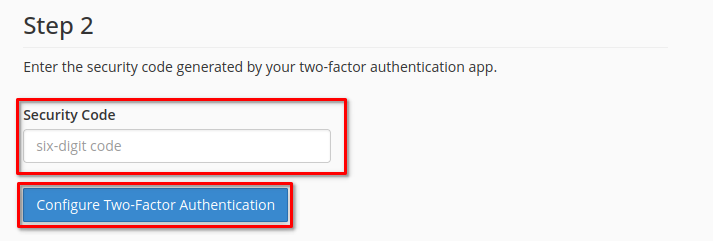
4. Now the application you chose will give you a security code that you can use to enable two-factor authentication for cPanel.
cPanel now has two-factor authentication. When logging in to cPanel it will prompt and ask you for the security code from your chosen application thus adding a layer of security for your cPanel.